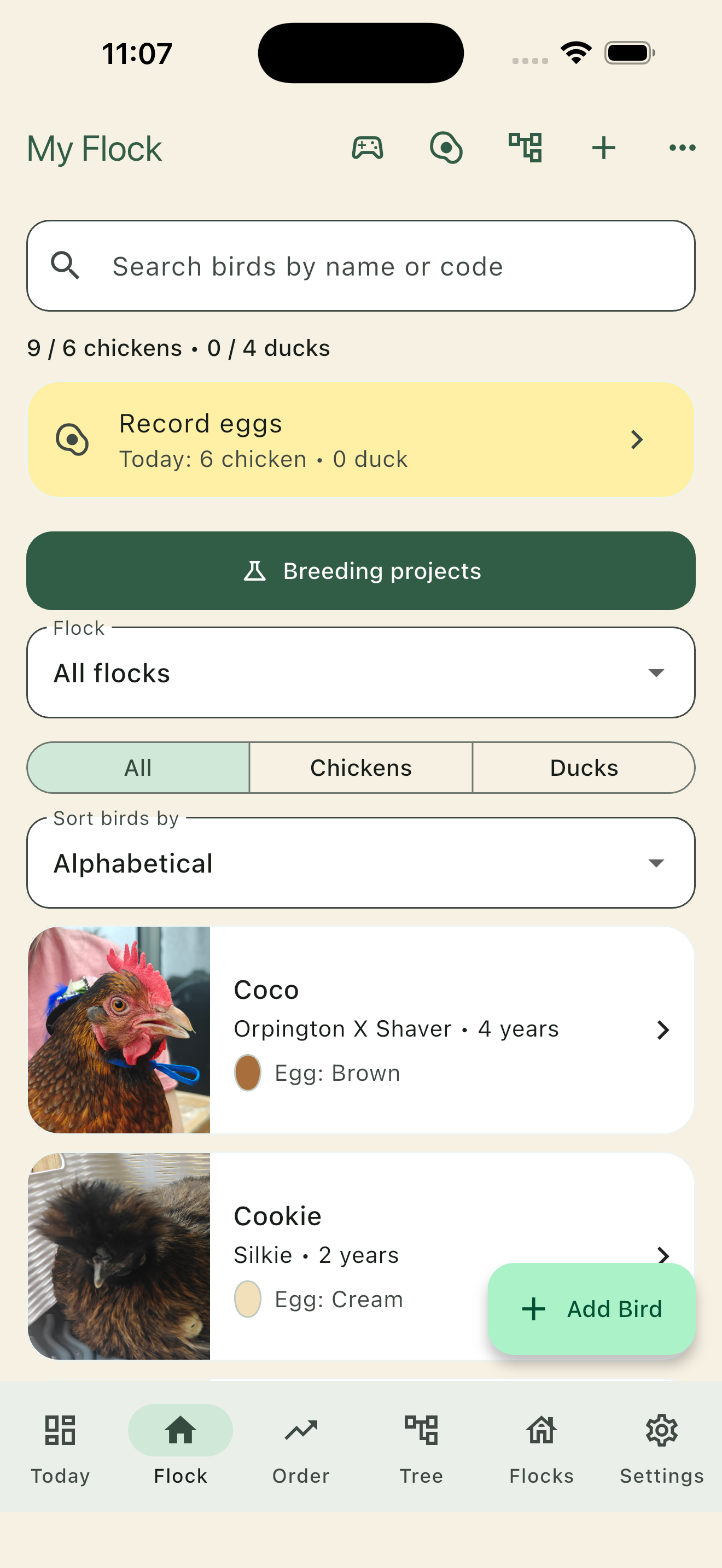
Names or bird codes
Use a name, your own ring or band code, or both. Choose codes first in Settings. Track breed, species, sex, hatch date and photos without exposing database numbers.
From the coop to your computer
Start with a few birds and today’s eggs. Add hatch records, family lines and a breeding project when you need them.
The iPhone screenshots below were captured in version 0.20.1. Egg and desktop examples use fictional records rendered in the app. The current web app includes the latest workflow; check your store for the phone version available to you. Breeding Projects is in development.
Meet the birds behind the records
Use a name, ring number or your own bird code. Keep photos and breed details close, then record the relationships you observe.
Dominance arrows show who yields to whom. Friendship hearts tell a separate story. The map can show loops instead of forcing a flock into a numbered ranking.
Core flock and relationship tools · Hobby allowance applies
Read and arrange your flock map →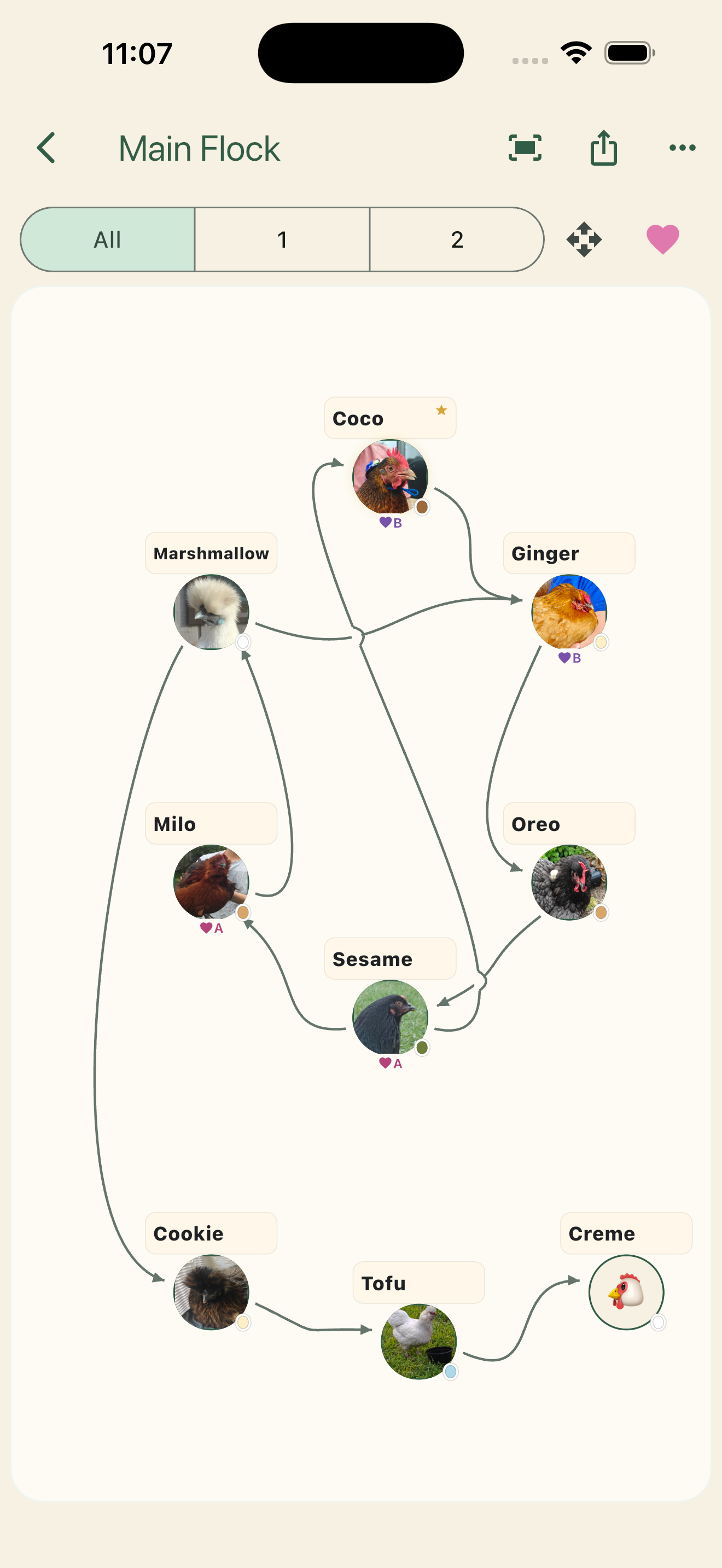
A small daily habit
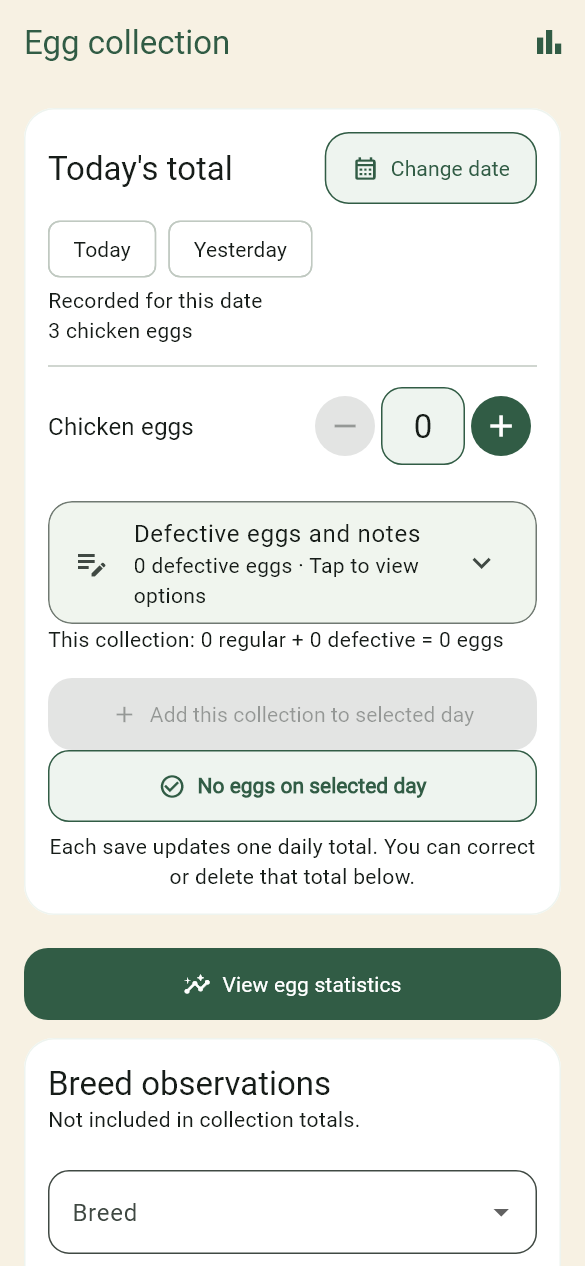
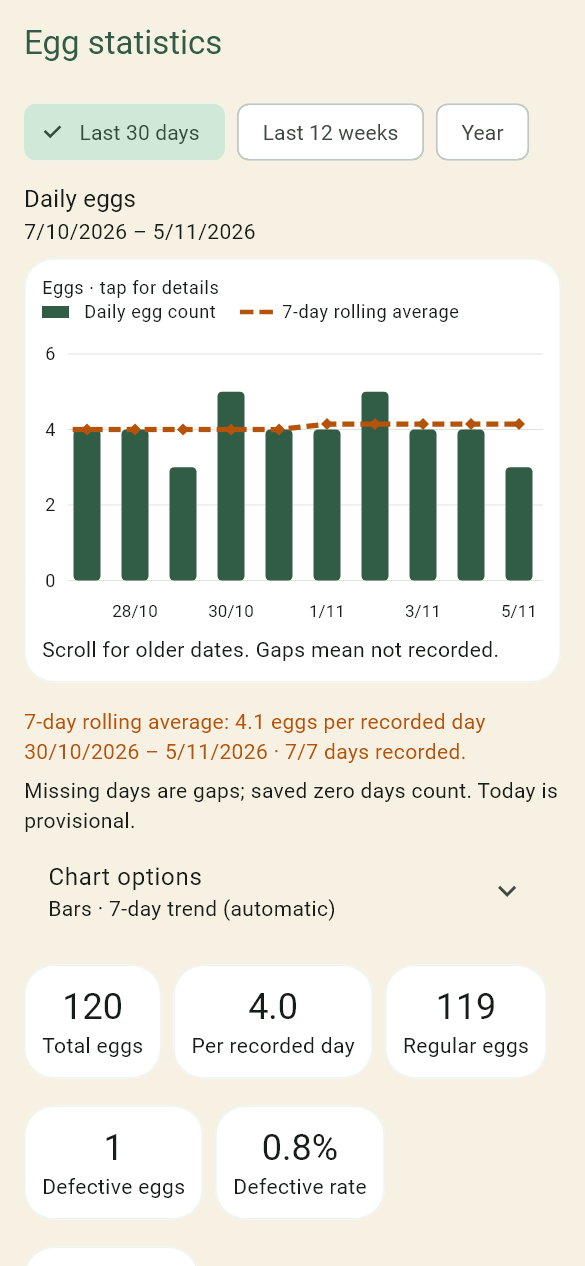
Add a collection in a few taps, or type a larger count. Record a zero when you collected none; leave an unrecorded day blank. Defective eggs and collection notes have their own expandable panel.
See daily production, weekly or monthly groups, a trend suited to the selected range and how many days were actually recorded. Missing entries are not silently counted as zero.
The web dashboard · Plus or eligible preview
Open the dashboard for a flock summary, the last fortnight’s egg graph and active breeding projects. Due work is highlighted, with one next step for each project or separate hatch or chick batch.
Open a reminder to see its full timeline. Use the left menu to jump to your flock, pecking order, family trees, flocks and pens, Breeding Projects, Hatches & chicks, eggs or Flock Runner.
Recorded changes sync between linked devices with cloud access. The status banner and History & sync show whether anything is waiting, rather than assuming a backup means every device is current.
Use the dashboard →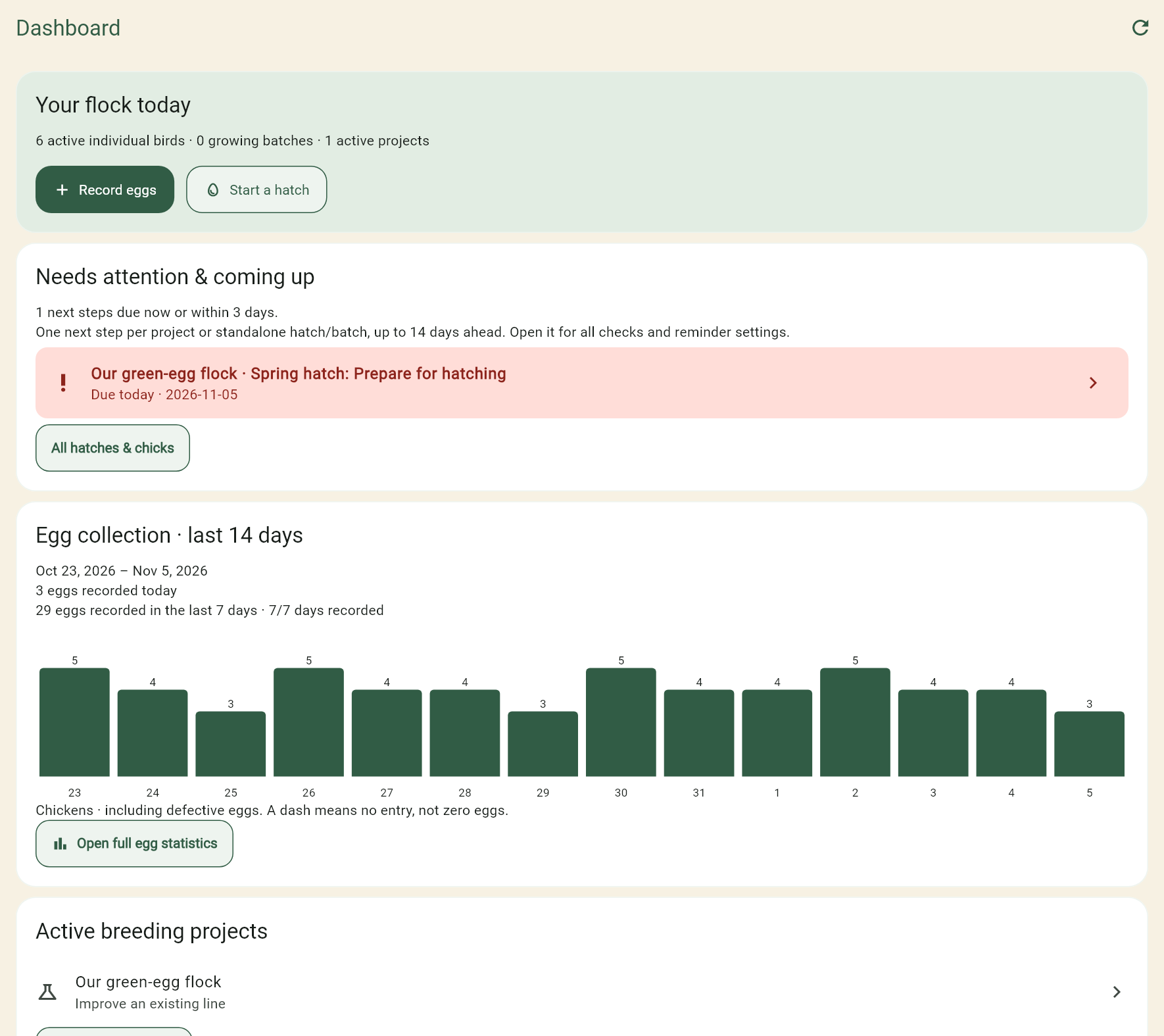
Breeding Projects · Plus · In development
Choose a goal, select birds and start a hatch inside the project. Follow the current stage: set eggs, incubate, record hatch, watch chicks grow, then review the results.
A large countdown makes the expected hatch date easier to follow. Care reminders start enabled for guided hatches, with dates based on the eggs’ set date and species. Candling is optional; ticking a check does not require an observation form.
Keep reference photos at each stage and compare generations in a project report. Advanced details expose pairing strategy, measurements and selection evidence when you want them. Archive finished or abandoned projects to keep your active list clear.
The app records evidence and supports your decisions. It does not guarantee a trait, egg colour, hatch result or breeding outcome.
Try the complete example workflow →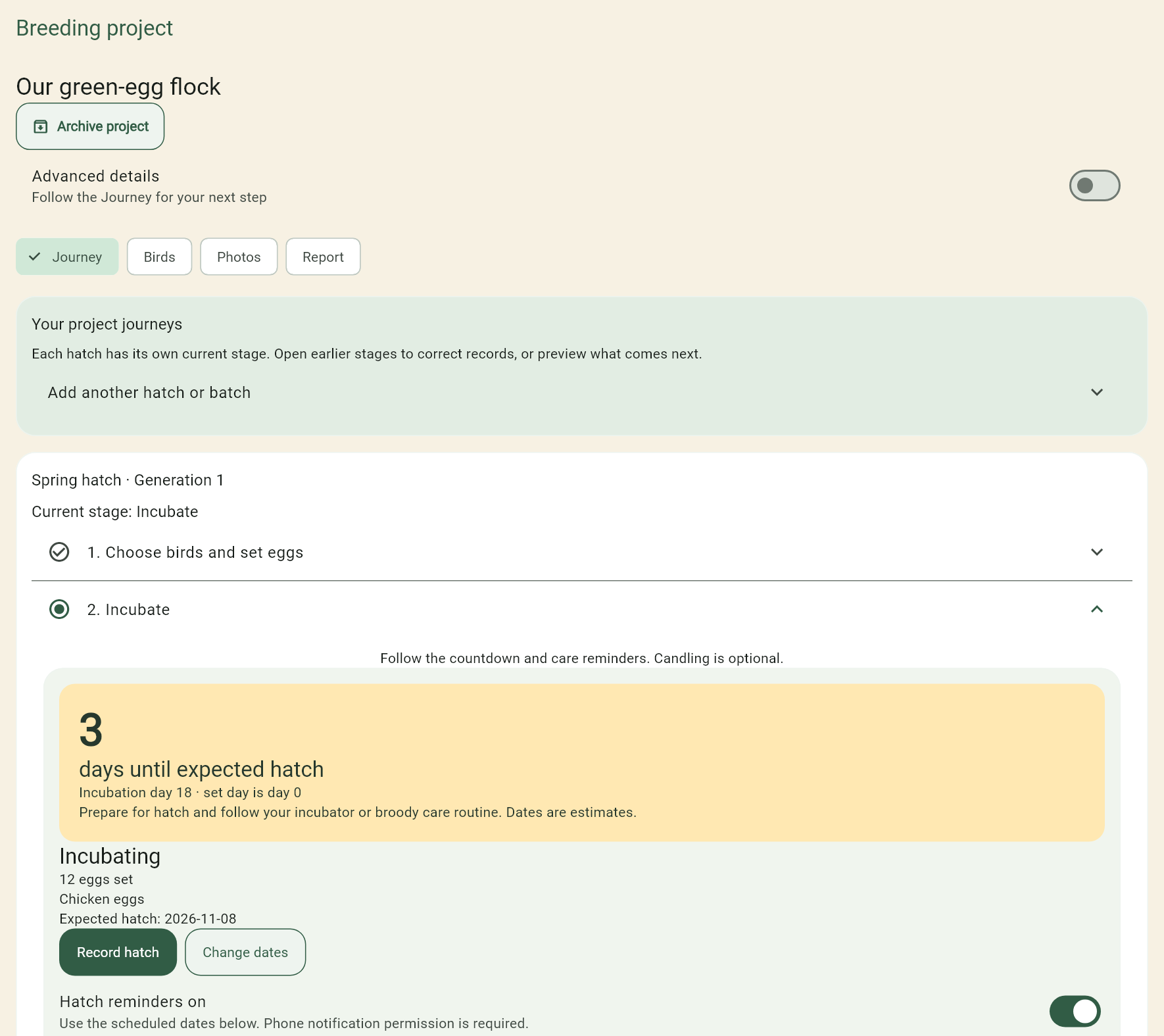
Use a name, your own ring or band code, or both. Choose codes first in Settings. Track breed, species, sex, hatch date and photos without exposing database numbers.
Record observed dominance and best friends. The flock map can show loops, while snapshots preserve earlier observations.
Link parents and offspring, retain ancestor-only records and follow chick batches into individual birds. Full Breeder adds pen headcounts and movement history.
Play between coop visits. On the web, use the arrow keys to jump and duck. The games page also links to Boulder Slider.
The phone app is free to start and works locally without an account. Store prices and availability are shown before purchase.
| Option | What it adds |
|---|---|
| Hobby | Up to 6 full chicken records + 4 full duck records, two custom fields, eggs and egg-history CSV, pecking-order relationships, basic chick batches and portable local backups. |
| Home Breeder · one-time | Unlimited individual records, extra photos, deeper pedigrees, breeder exports and guided hatch monitoring. |
| Full Breeder · one-time | Home Breeder plus pen headcounts, movements and pen-specific records and reminder intervals. |
| Pecking Order Plus · subscription | All Home and Full Breeder tools while active, Breeding Projects, cloud backup, record/photo sync and web access. No separate breeder purchase needed. One-time purchases remain yours after Plus ends. |
Record allowances cover all retained full bird records, including deceased, sold, rehomed and missing birds. One-time purchases do not expire. Plus access lasts while subscribed; an event preview ends at its verified trial expiry and does not start automatic billing.
See allowances, purchases and restore instructions →
Using an event-preview code? → · What happens when access expires? →
Make your first entry